Storyboard Builder

by Film Construction

Import. Draw.
Layer. Present.

A fast, simple way to build and present your storyboard. Import illustrations, AI imagery, or draw your own frames. Describe your shots, attach references, and walk clients and crew through your vision, all without the clutter of tools built for feature films, television, or animation.

Made specifically for commercial directors and short form content creators.

See how it works ↓

macOS only  ·  Free while in beta

Storyboard Builder app

Built by a working director,
for commercial directors and content creators who need to get their ideas across.

Shape your vision, share it with clients and crew in a variety of ways. All without a fiddly deck rebuild first.

Drawing tools that work

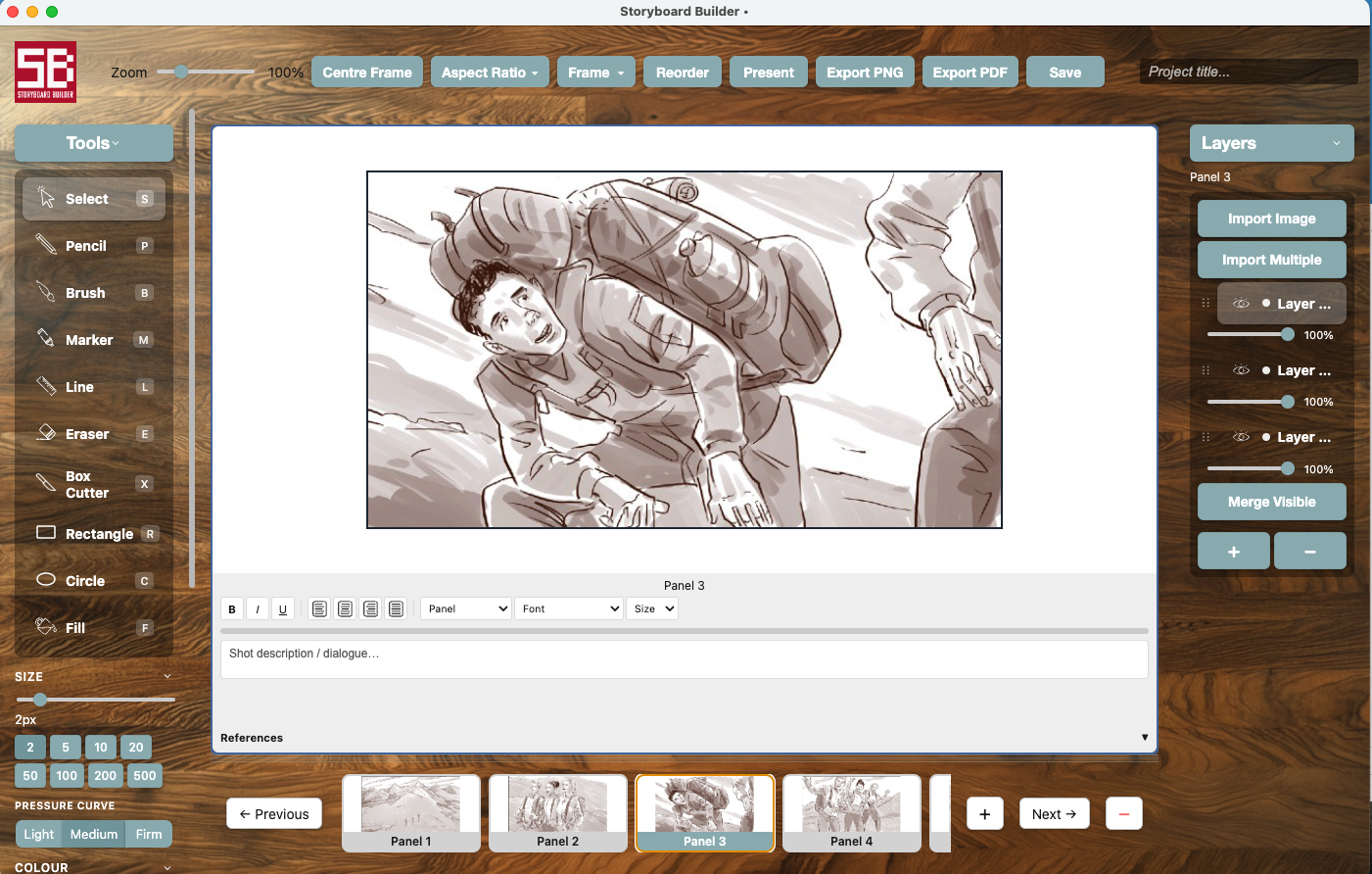
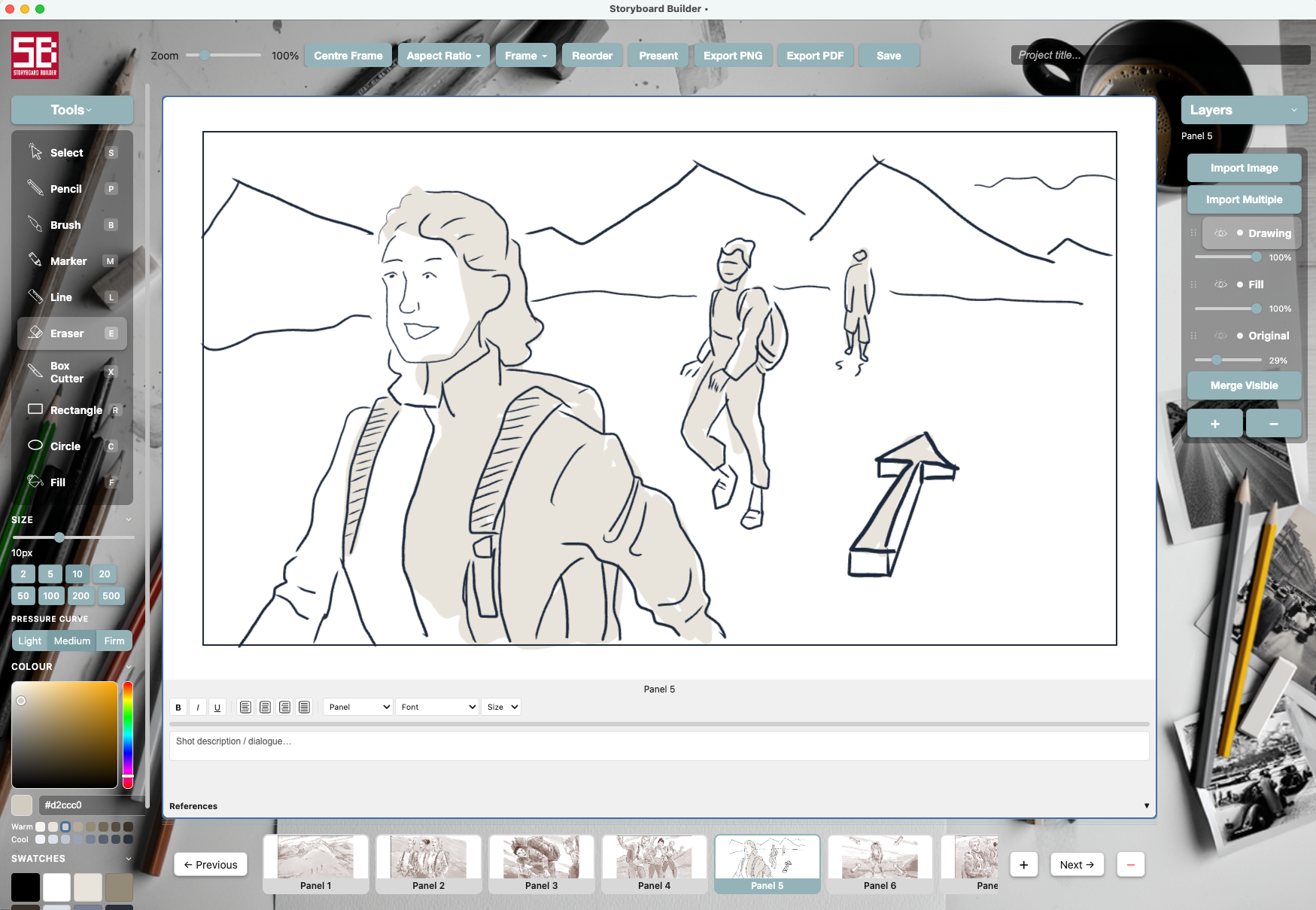
Pencil, brush, marker, line — Vector-based tools for easy modification and adjustment.

Import from anywhere

Your storyboard artist has delivered a folder of frames. Or you've generated images in AI. Or sketched them yourself in Procreate.

Now what? Import them into Storyboard Builder, arrange and rearrange until the story flow feels right.

Layers per panel

Each panel works in layers. Add source photos on one, trace on another, sketch on a third. Adjust transparency. Merge when you're done.

Panel notes

Add shot descriptions and dialogue to every panel. Everything your crew needs to understand the shot, right there on the board.

References per shot

Attach up to six reference images per panel — style ref, locations, wardrobe, lighting, mood. Everything connected to the shot, in one place.

Themes

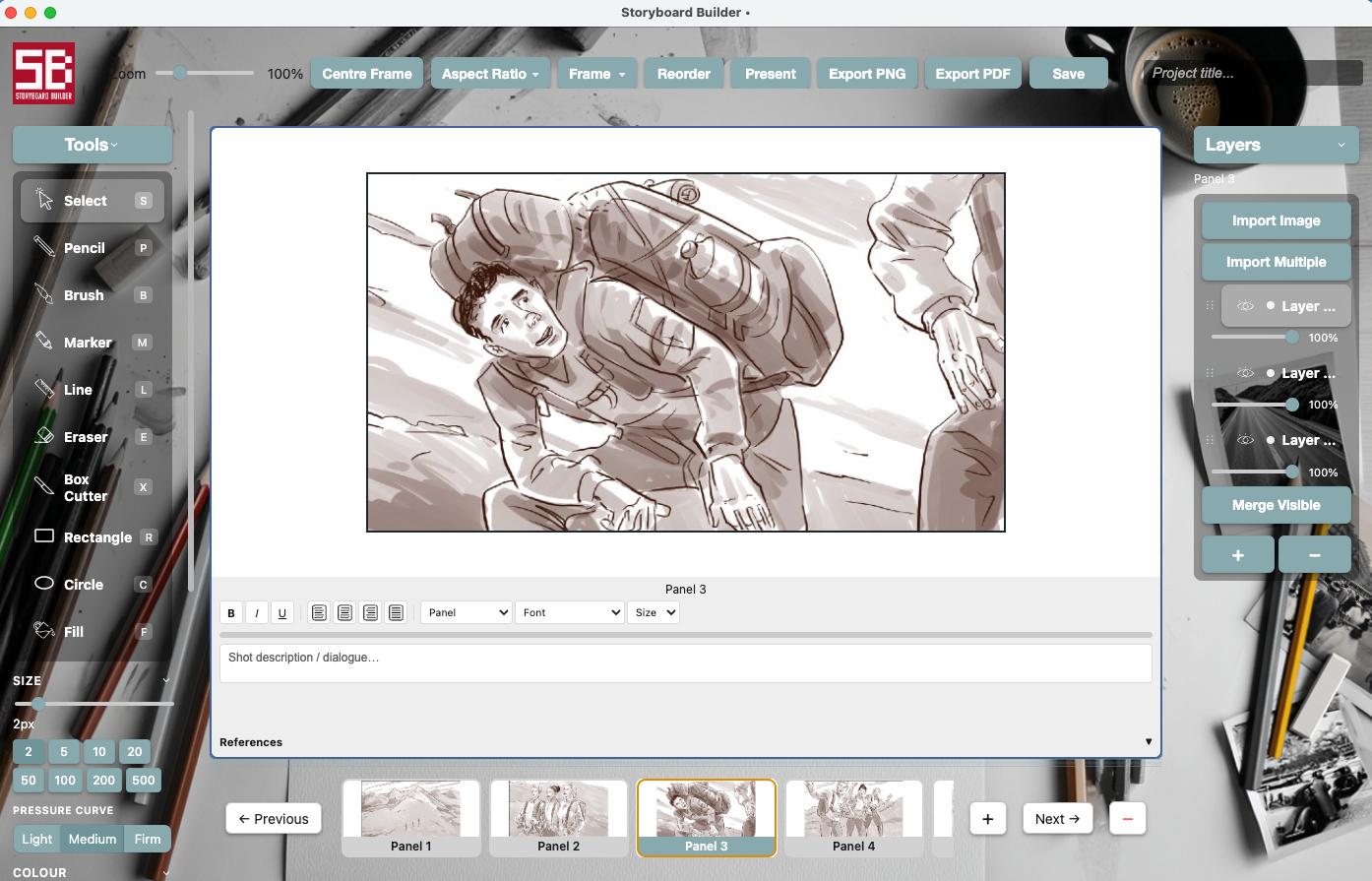
Choose from a range of desktop themes — from a studio desk to clean, minimal backgrounds. Work in the environment that suits you.

Present without rebuilding

Full-screen presentation mode built right in. No fiddly recreating in Keynote, PowerPoint, or Slides. Talk through your boards in one clean presentation.

Export cleanly

Export to PDF in multiple layouts, ready to share with clients or crew. Or export individual frames. Both just work.

Storyboard Builder workspace themes
Storyboard Builder drawing tools

Simple drawing tools that get out of your way

Storyboard Builder has a focused set of drawing tools — just what you need to quickly sketch a frame.

If you want to go deeper, create your artwork in Procreate, Fresco, Photoshop, Clip Studio Paint, or Sketchbook, then import it here. Write descriptions for each shot, attach references, and export as PDF.

Present directly from the app

Clean, full-screen presentation mode. No exporting, no rebuilding in another tool, no last-minute formatting panics.

Add notes to every panel. Include your reference images. Walk a client through a spot frame by frame — exactly the way you intended it.

Storyboard Builder presentation mode

Start boarding.

Free to download while in beta. macOS only. No account needed.

Apple Silicon (M1–M4) Intel Mac

Free while in beta  ·  Requires macOS 12 or later

Not sure which? Apple menu → About This Mac — if it says M1/M2/M3/M4, pick Apple Silicon